Set access rights
This section provides guidance on managing users in the Hub.
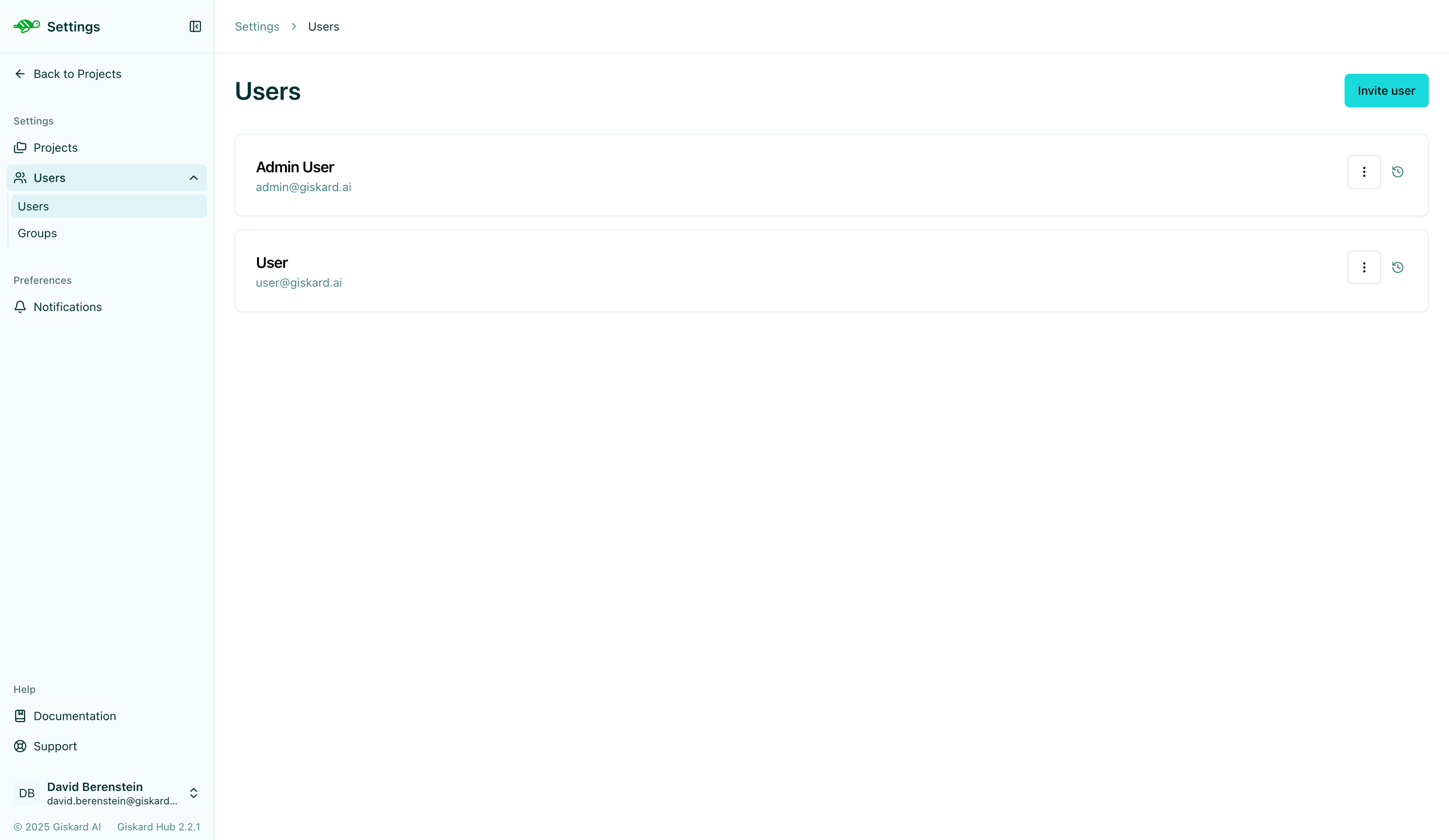
The Hub allows you to set access rights at two levels: global and scoped for both users and groups. To begin, click on the “Settings” icon on the left panel, then select “Users”.
Configure users and groups
Section titled “Configure users and groups”To manage user-level permissions, click the “Settings” icon in the left panel, then select press the dropdown for the “Users” sections. Within the dropdown, you can go to the “Users” section.
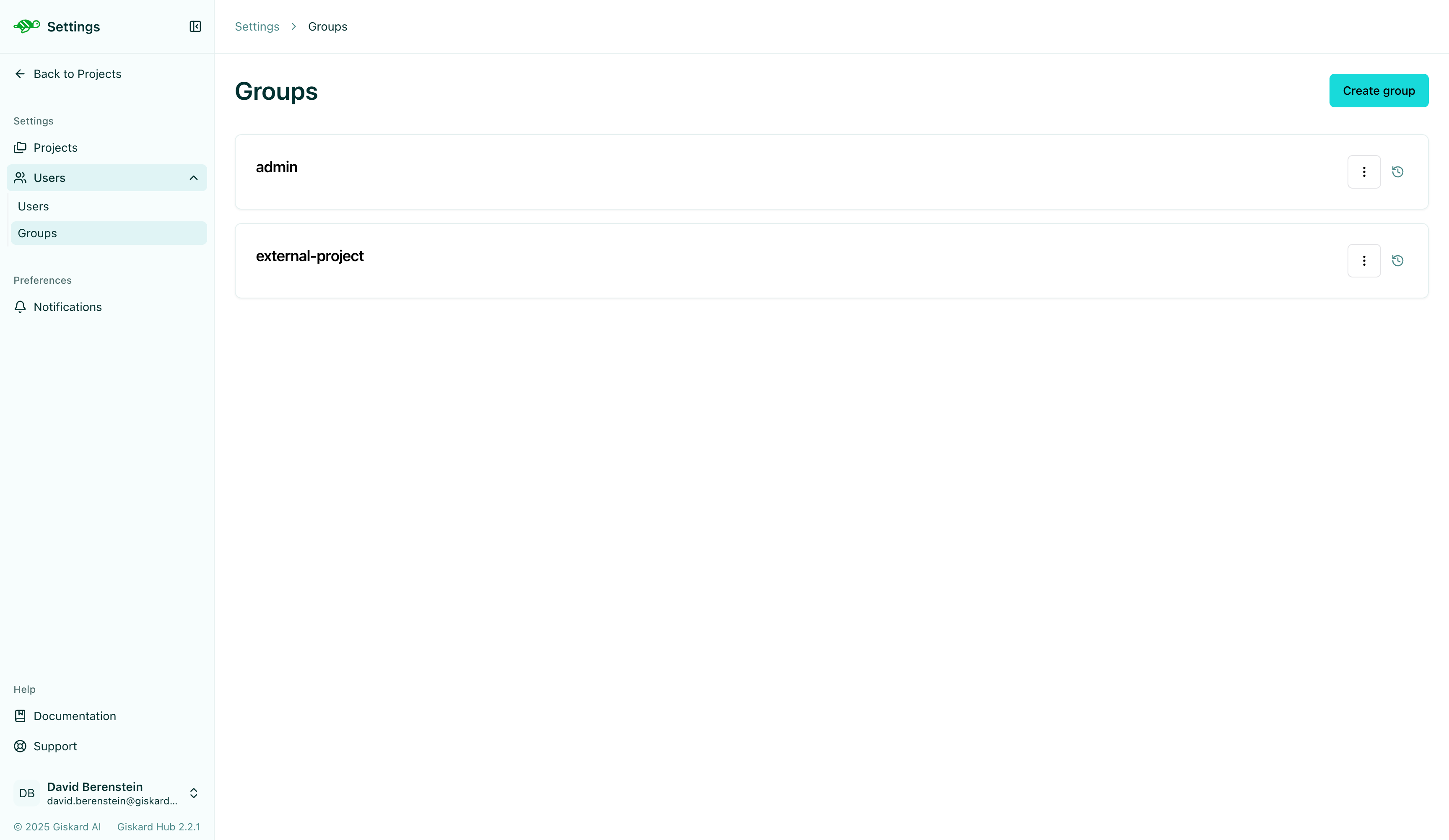
To manage group-level permissions, click the “Settings” icon in the left panel, then select press the dropdown for the “Users” sections. Within the dropdown, you can go to the “Groups” section.
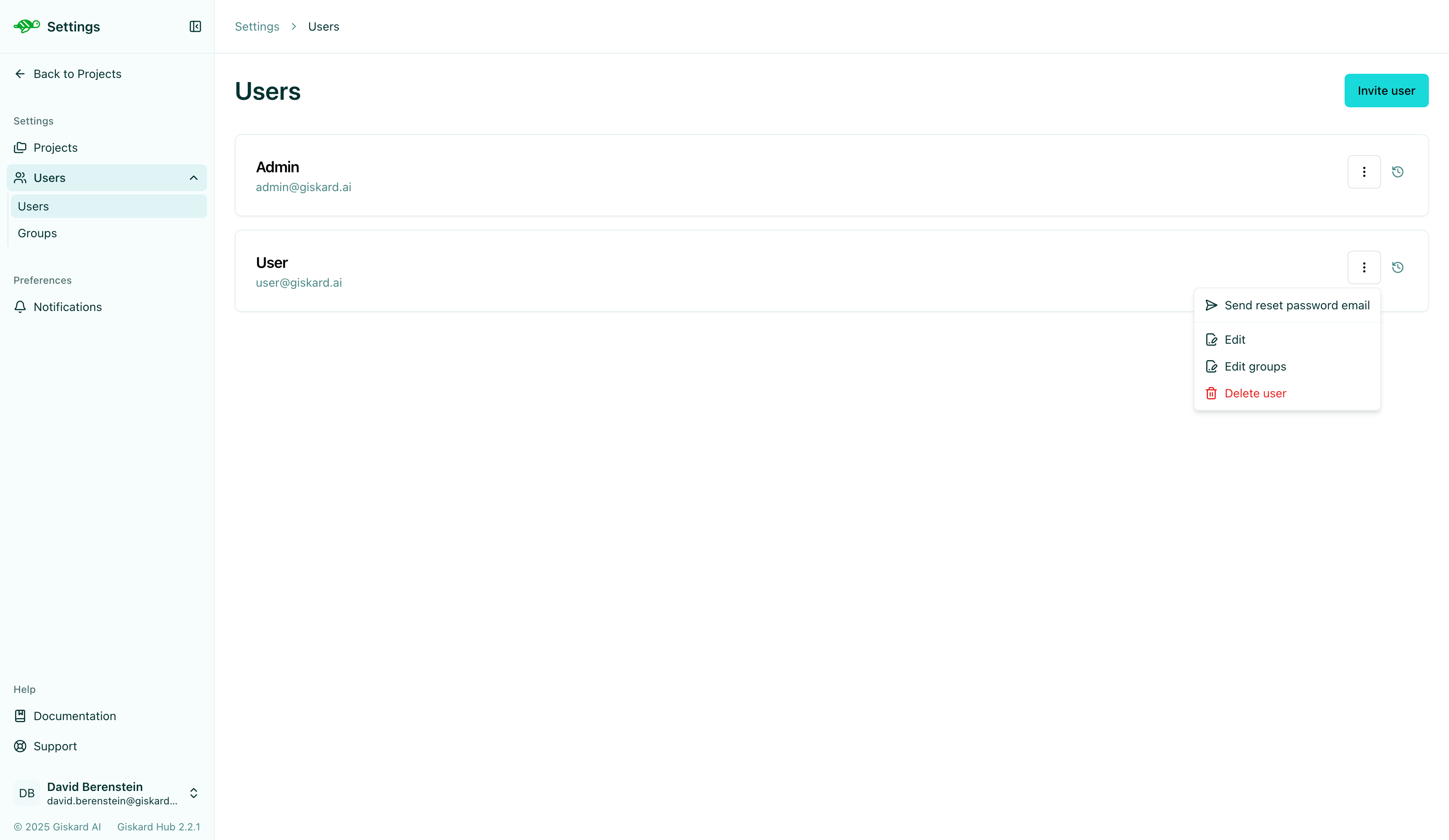
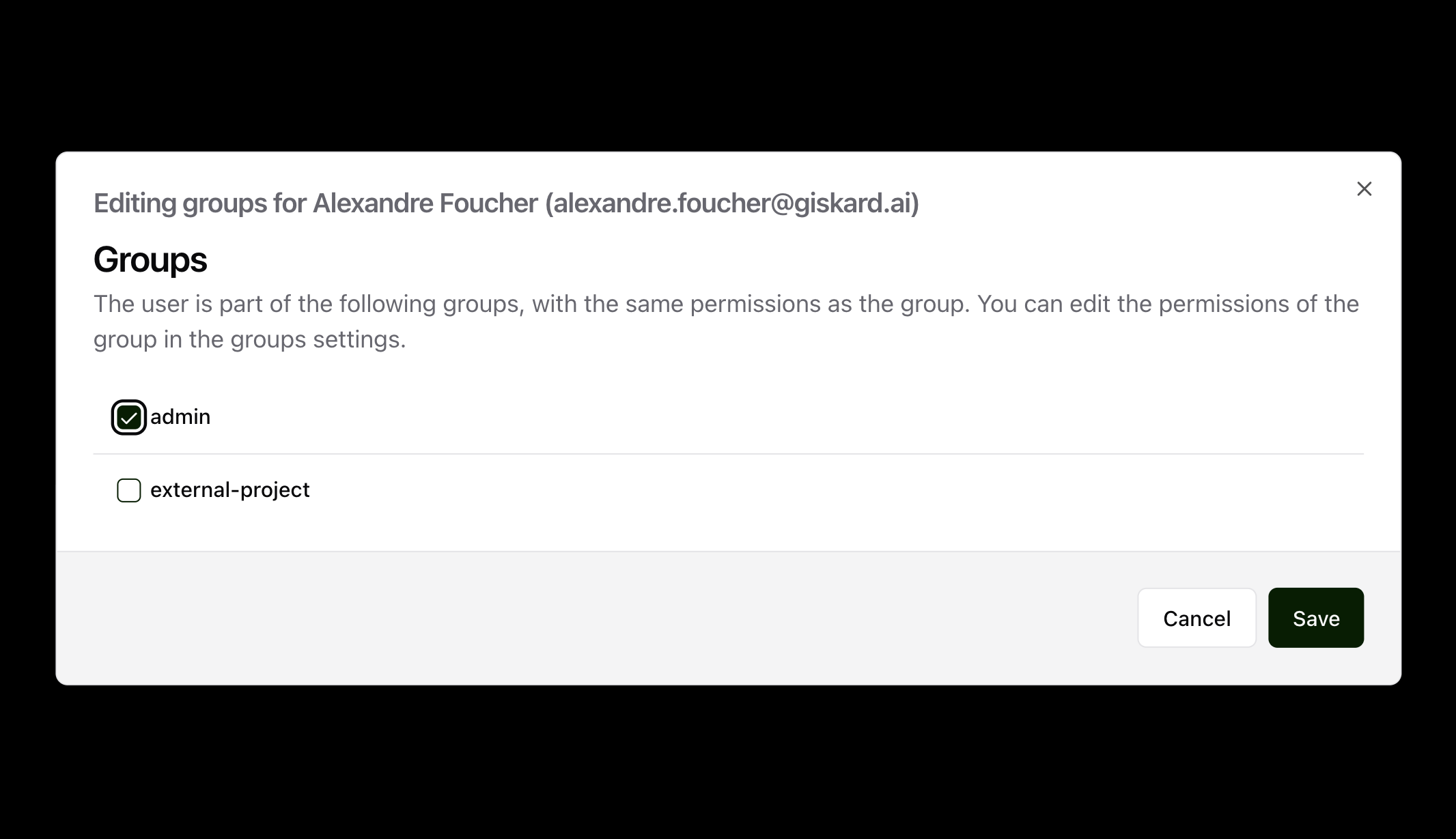
After creating a group and users, you can then navigate back to the “Users” tab from the left panel. You can then select a user you want to add to a group, click the three vertical dots on the right side of the user box, and click on “Edit Group”.
This will open a pop up where you can select the group you want to add the user to.
Configure Global Permissions
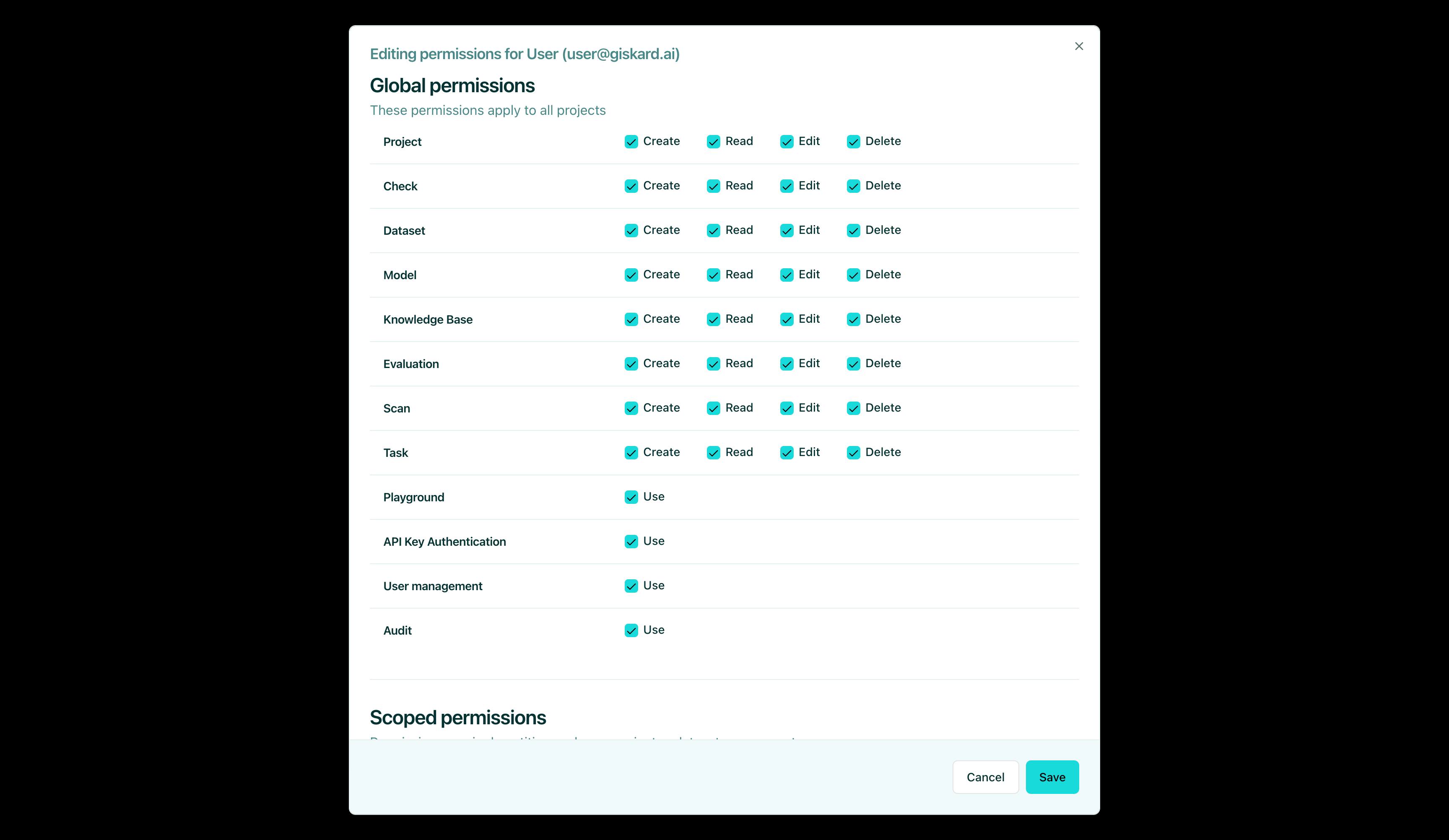
Section titled “Configure Global Permissions”Global permissions apply access rights across all projects. You can configure Create, Read, Edit, and Delete permissions for each page or entity. This is available in the following pages: Project, Dataset, Agent, Knowledge Base, and Evaluation. Additionally, for features like the Playground, API Key Authentication, and Permission, you can enable or disable the users’ right to use it.
The rights are as follows:
- Create: users can create a new entity of the given type.
- Read: users can see entities of the given type.
- Edit: users can modify entities of the given type.
- Delete: users can permanently remove entities of the given type.
- Use: users can use the given feature.
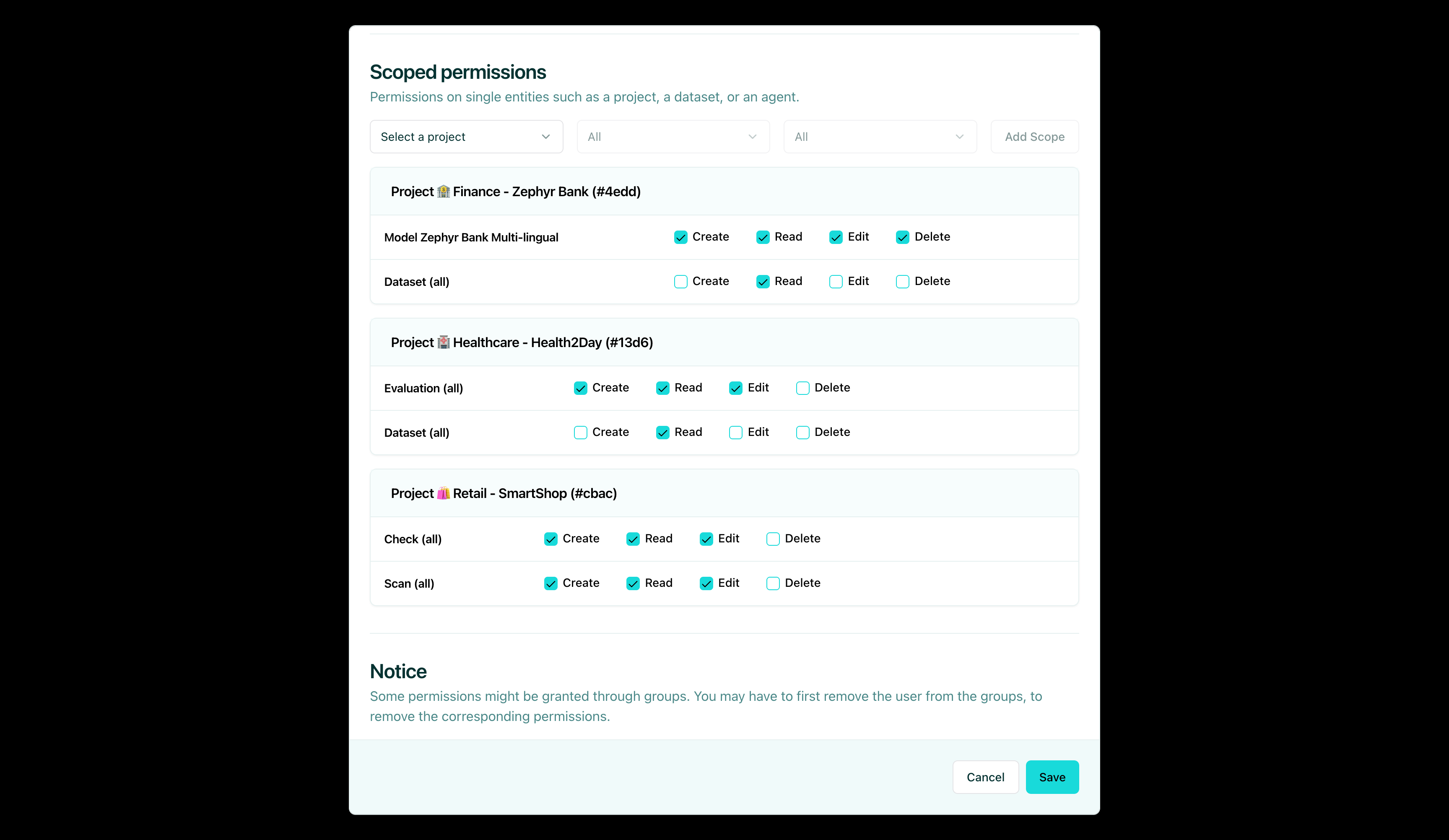
Configure Scoped Permissions
Section titled “Configure Scoped Permissions”Scoped permissions allow for granular control. For each project, you can specify which pages or entities users are allowed to access. An example of where this may be useful is if you want your users to read everything in a project but only allow a few people to edit the dataset.