

Setup projects
To create a project, click the Settings icon on the left panel. This page lets you manage your projects and users (if you have the proper access rights).
In Projects, click “Create project”. A modal appears where you can enter the project’s name and description.
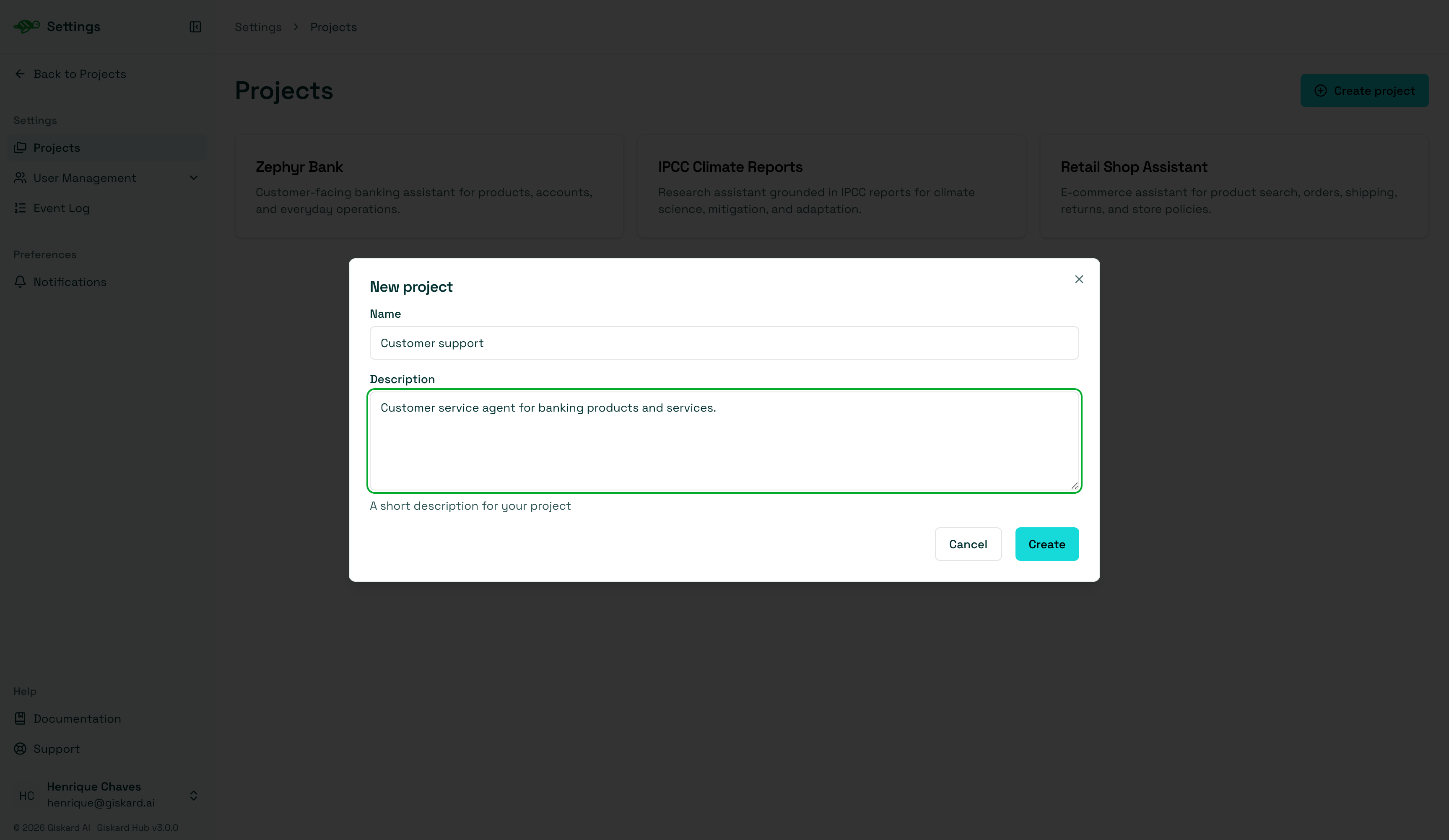
Once the project is created, clicking it in the list opens project settings. Alternatively, use the dropdown menu in the upper left corner of the screen to select the project you want to work on.
Next steps
Section titled “Next steps”- Setup agents - Setup agents
- Setup knowledge bases - Setup knowledge bases
- Manage users and groups - Manage users and groups